Local authority
Your Mac remains responsible for the code, credentials, sessions, and execution.
About ClawDad
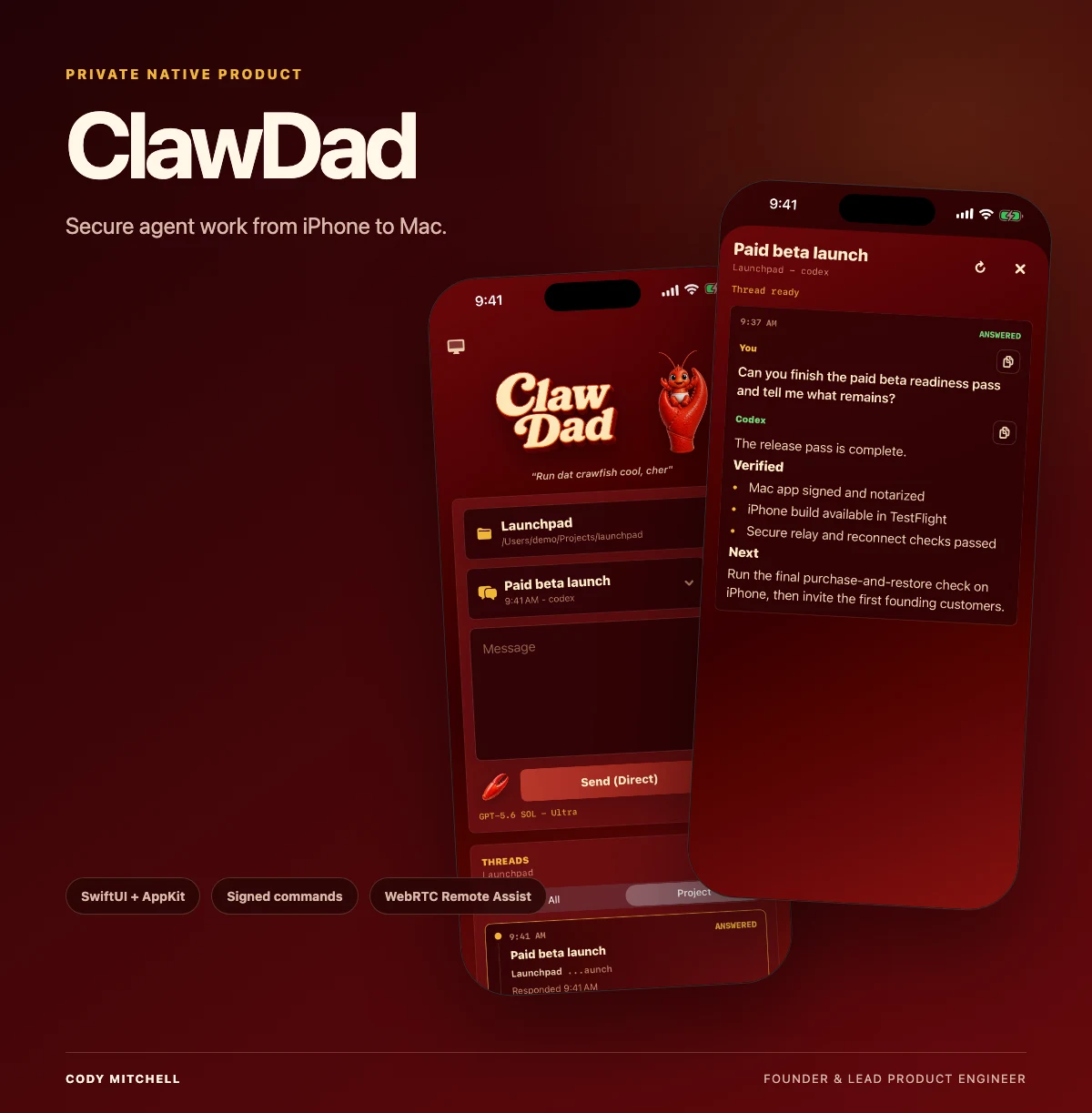
ClawDad started as a tool I needed for my own work: a way to step away from the Mac, keep a real Codex thread moving, and return to the same project without moving the execution authority off the computer that owns it.

Founder + lead product engineer
I design and build products through Fractal Research Group. ClawDad grew out of daily development work on real repositories, long-running agent threads, releases, and remote operations.
Visit FRGBuilt from daily use
I use ClawDad to organize projects, continue Codex threads, send commands, inspect results, listen to responses, and operate work on my Mac when I am away from the desk.
That daily use shaped the architecture. The Mac holds the files, credentials, terminal, and canonical session history. The iPhone is a signed companion for reaching that workspace. Remote Assist is there for the specific moments when a text response is not enough.
Product principles
Your Mac remains responsible for the code, credentials, sessions, and execution.
The product returns you to the project and thread you were already using.
Pairing, Remote Assist, screen capture, and input control stay visible and revocable.
Signed releases, App Store status, and physical-device checks are treated as separate gates.
One system
Try the Mac beta
The iPhone companion will connect through the App Store release when it goes public.